Dummy Text Collections
Themed placeholder text for every project. Pick a style and generate unique content instantly.
About Dummy Text Collections
The Dummy Text Collections is a free online dummy text collections tool that catch data bugs early, validate payloads, and ship cleaner code without leaving the browser. It is built for developers, QA engineers, and API testers. Anyone who works with structured data, tokens, or source snippets daily can open it instantly in any browser — no install, no signup, no watermark. Themed placeholder text — cyberpunk, cat ipsum, pirate, and more styles. Because everything runs client-side, your inputs stay private and results appear the moment you change a value. It fits neatly into a wider workflow: pair it with the other developer tools on Easy Tool Kit to handle an entire task end to end without switching apps. Whether you need a one-off answer or run the same operation daily, the Dummy Text Collections keeps it fast, consistent, and free.
Part of Developer Tools on Easy Tool Kit.
How to Use Dummy Text Collections
- 1Open the Dummy Text Collections from the Developer Tools page.
- 2Enter your input values or paste your data.
- 3Adjust any options the tool exposes.
- 4Read the result shown in the output area.
- 5Copy or download the result for your workflow.
Examples
Input
Sample input for Dummy Text CollectionsOutput
Clean dummy text collections output ready to copyInput
A second short exampleOutput
Converted result from the Dummy Text CollectionsInput
An edge-case inputOutput
Handled safely with a clear resultFrequently Asked Questions
Is the Dummy Text Collections free to use?⌄
Yes, the Dummy Text Collections is completely free with no signup, no limits, and no watermark. You can run as many conversions as you need directly in your browser.
Does the Dummy Text Collections work offline?⌄
Once the page loads, most processing runs client-side, so it works without a network for typical inputs. Large or external-dependent operations may still need a connection.
Is my data sent to a server?⌄
No. Processing happens locally in your browser, so credentials, tokens, and private payloads never leave your device while using the Dummy Text Collections.
Can I use the Dummy Text Collections on mobile?⌄
Yes. The tool is fully responsive and works in any modern mobile browser, so you can convert or generate values on the go.
What formats does the Dummy Text Collections support?⌄
It supports the standard input and output formats for its category. Paste your data and the tool returns the converted or generated result instantly.
How accurate is the Dummy Text Collections?⌄
The Dummy Text Collections uses well-tested, standards-compliant algorithms, so output matches reference implementations for dummy text collections tasks.
Common Mistakes to Avoid
Pasting data with mismatched encoding
Confirm the input encoding matches what the tool expects to avoid garbled output.
Forgetting to copy the full output
Use the Copy button rather than selecting text so nothing is truncated.
Skipping validation before integrating
Always validate output before pasting it into config, tests, or API calls.
Trusting generated values in production without review
Review random or generated values, especially secrets, before deploying them.
Mixing up encode and decode direction
Double-check whether you need encoding or decoding before copying the result.
Related Tools
Related Articles
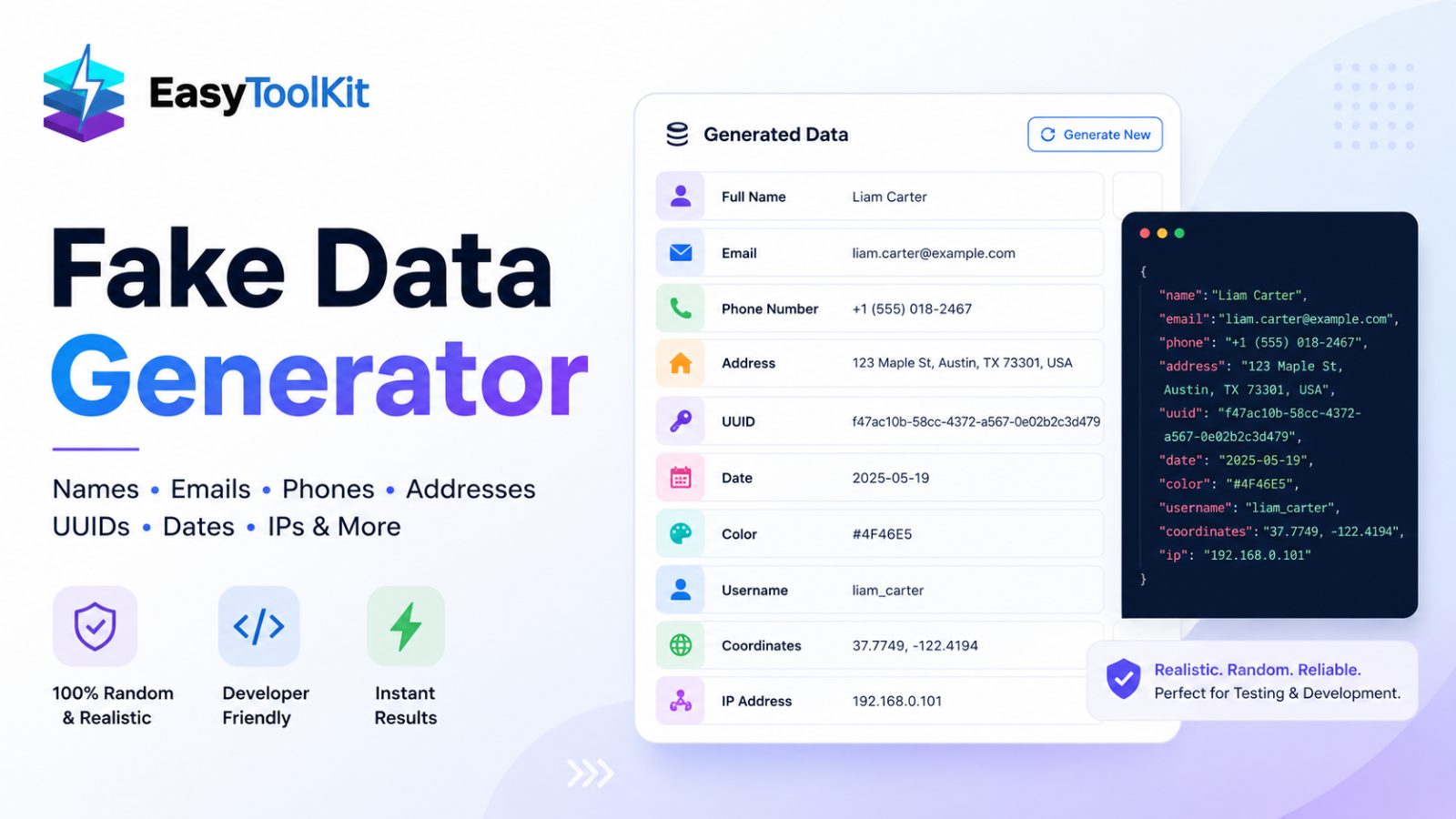
Fake Data Generator: Full Names, Emails, Phone Numbers, Addresses, UUIDs, Dates, Colors, Usernames, Coordinates, and IPs
](https://res.cloudinary.com/vte6bacr/image/upload/v1788414309/vspfe6ltqpu5uqsijlmy.jpg)
Ultimate Guide to Generating Realistic Fake Data for Testing & Development
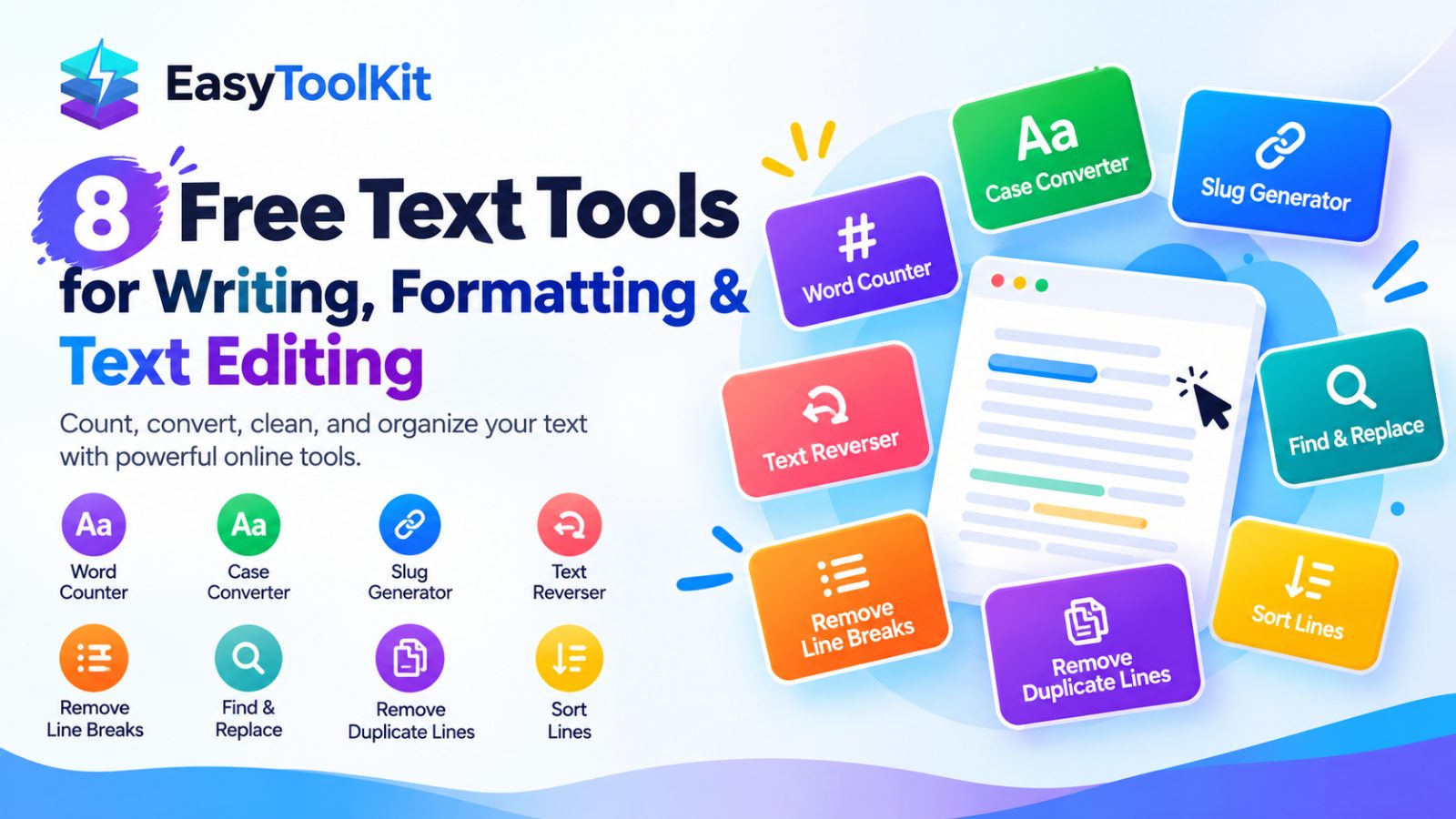
8 Free Text Tools to Count, Format, Clean, and Organize Text Online
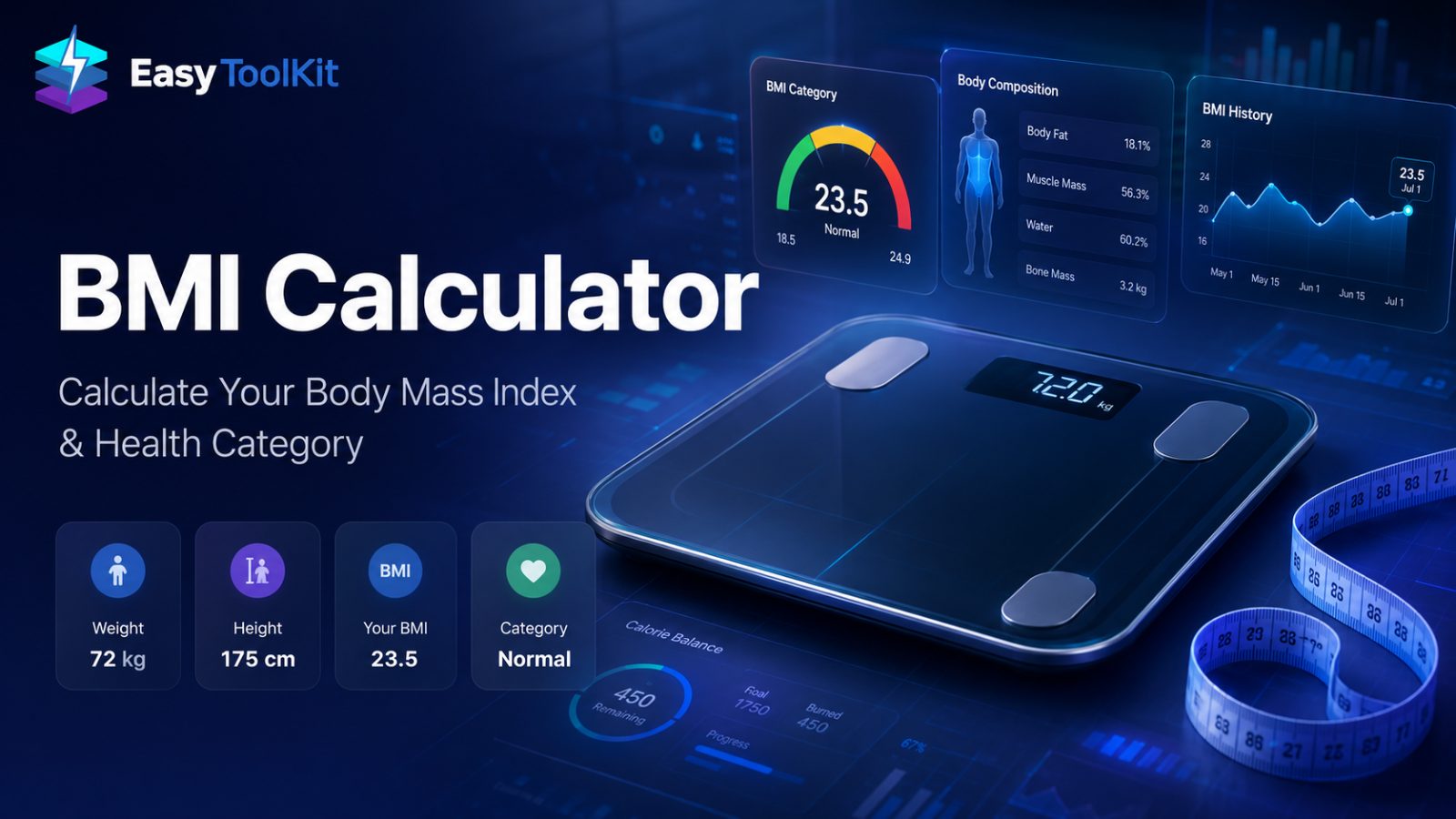
The Ultimate BMI Calculator Guide: How to Calculate Your Body Mass Index & Master Your Health
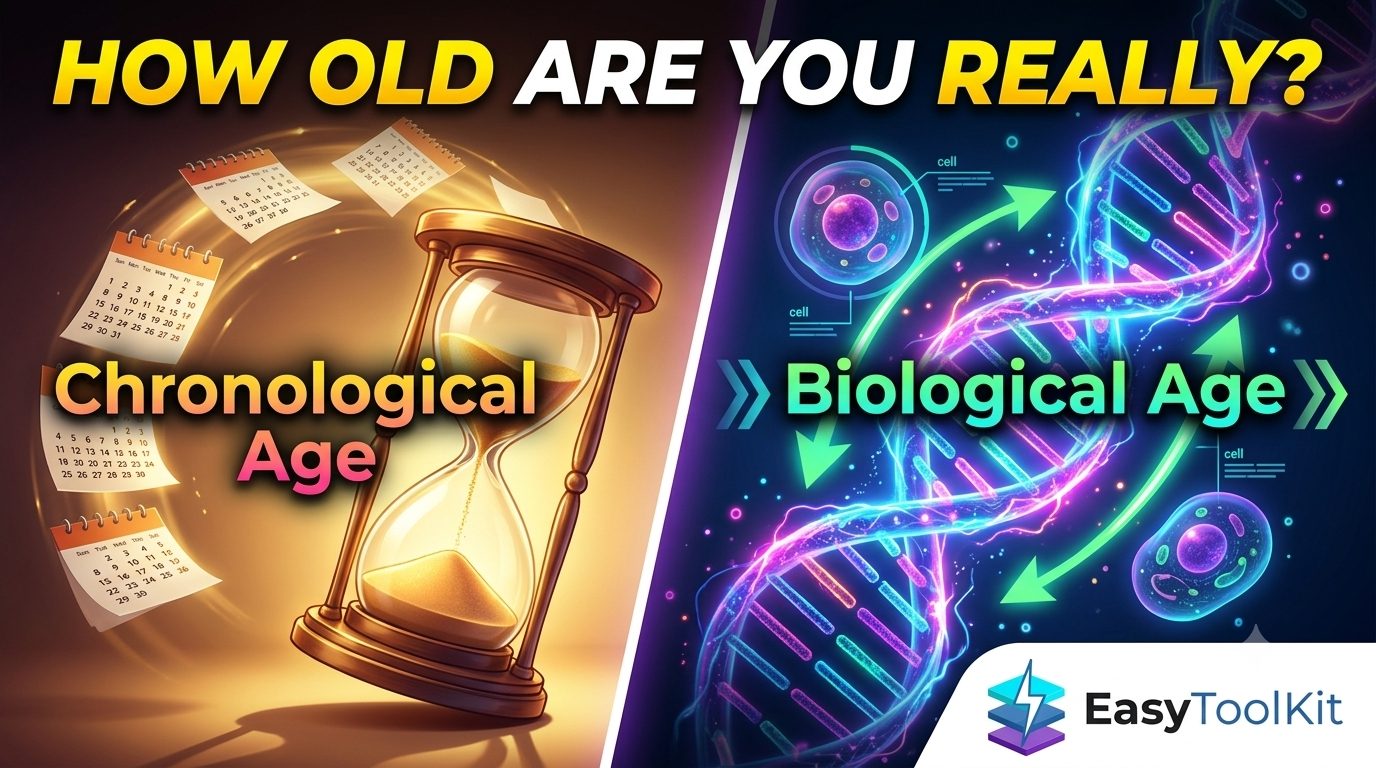
Chronological Age vs Biological Age: What's the Difference?