In today’s competitive job market, sending a generic resume standard package is rarely enough to capture a recruiter's attention. A well-tailored, clearly articulated cover letter bridges the gap between your skill set and an employer's specific needs. However, starting from scratch for every single application can quickly lead to burnout.
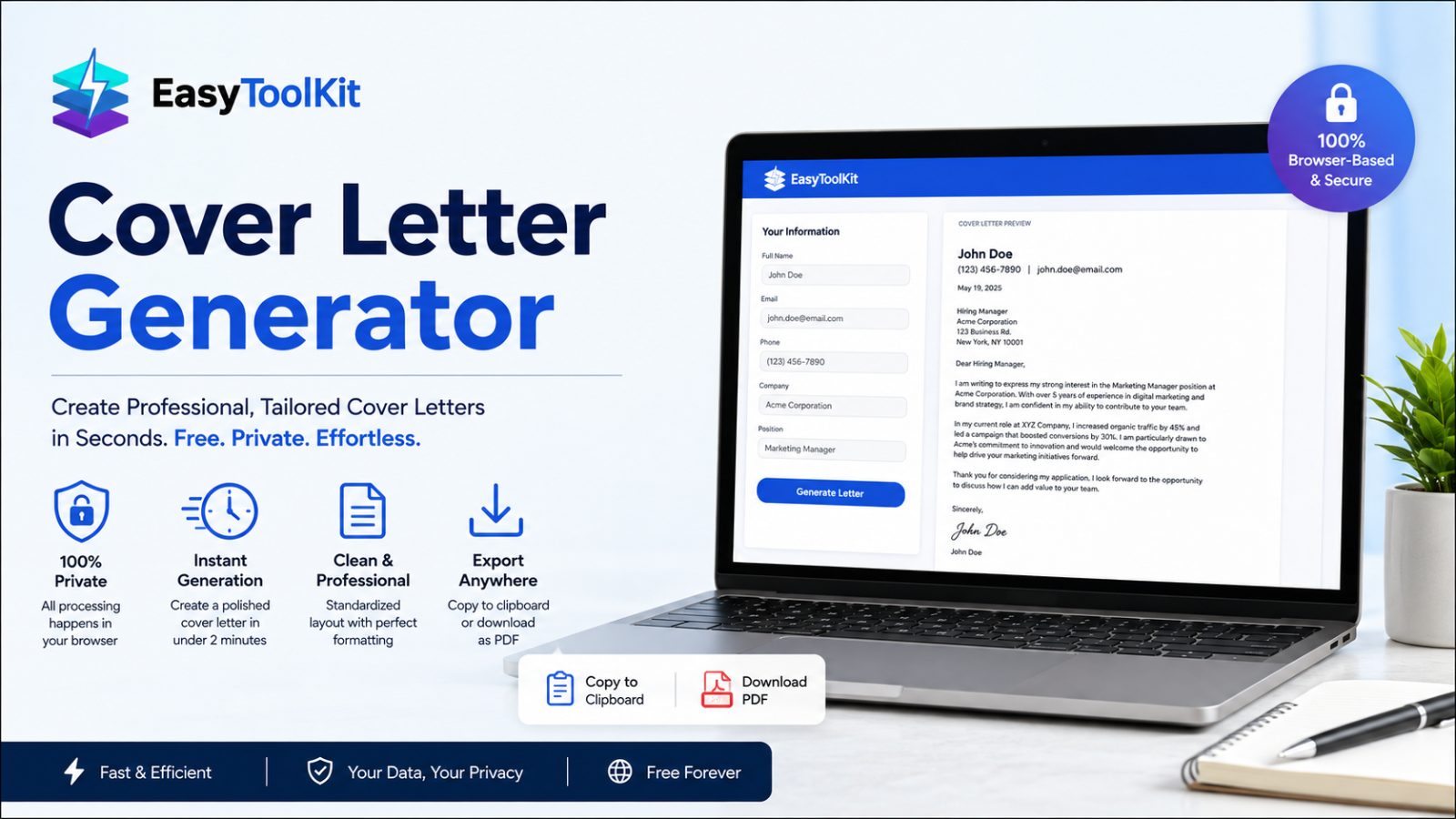
The Cover Letter Generator on Easy ToolKit removes the tedious friction of formatting and structuring your outreach. Built specifically for job seekers, freelancers, and professionals across industries, this free online tool converts your basic details into an executive-ready letter in real time.
Why Use an Online Cover Letter Builder?
Writing a cover letter often presents two main hurdles: structure and formatting. When adjusting margins, indentations, and line spacing in standard text processors, small layout errors can make an application look unpolished.
Using a dedicated digital builder provides key advantages:
Feature | Manual Word Processing | |
Setup Time | 30–60 minutes per letter | Under 2 minutes |
Formatting | Manual alignment & style fixing | Automated, standardized layout |
Privacy | Stored locally or on cloud accounts | 100% Browser-based (Client-side) |
Cost | Requires software licenses | Free forever |
Watermarks | Present on many free trials | Zero watermarks or logos |
Key Features of the Cover Letter Generator
The Cover Letter Generator focuses on simplicity, speed, and privacy:
Instant Live Preview: Watch your document take shape as you enter your name, date, background, and target application details.
Full Privacy Protection: Because all logic runs client-side inside your web browser, your name, contact information, and target company details are never transmitted to external servers.
Clean Layout Engine: Generates standard margins, professional headers, clean font pairings, and proper visual spacing automatically.
One-Click Export Options: Copy raw text directly to your clipboard or download a clean PDF file with standard formatting ready for email attachments or portal uploads.
Step-by-Step Guide: How to Generate Your Cover Letter
Creating a tailored letter takes less than two minutes from start to finish.
Navigate to the Tool: Open the Cover Letter Generator directly from the Builders section on Easy ToolKit.
Enter Personal & Application Details: Fill out the fields under Your Information, including your name, current date, contact details, target company name, and prospective position title.
Detail Your Background & Value: Input concise details highlighting your background, why you want to join the company, and one or two measurable achievements.
Review the Live Output: Read through the populated preview in the output panel to verify tone, accuracy, and flow.
Export Your File: Select Copy to paste into an email body or select Download to save your formatted PDF.
Common Mistakes to Avoid When Crafting Your Cover Letter
Even with automated builders, keeping an eye on detail ensures your submission lands at the top of the interview stack. Avoid these five frequent pitfalls:
Leaving Placeholder Text in the Template: Double-check that every variable (such as company name or role title) has been fully replaced with actual target information before downloading.
Overdesigning with Excessive Fonts and Colors: Keep standard typography intact. Stick to classic structural hierarchy and muted palette formatting so hiring managers focus entirely on your qualifications.
Forgetting to Export as PDF: Sending editable document files (
.docxor.txt) can lead to unintended visual shifts depending on the recipient’s software. Exporting as a standard PDF guarantees identical rendering across systems.Not Tailoring Content to the Specific Role: Avoid sending a identical, generic letter to multiple companies. Change key bullet points and company-specific motivations for each submission to demonstrate clear intentionality.
Skipping a Final Human Proofread: Run a quick visual pass over your final document before hitting send to check for typos, missing phone numbers, or awkward phrasing.
Streamlining Your Career Workflow
The Cover Letter Generator fits into a broader suite of productivity apps on Easy ToolKit. Whether you are adjusting project timelines, preparing client proposals, managing invoice data, or generating application materials, using unified, fast, client-side web utilities ensures your daily workflow stays quick, private, and consistent across devices.